Project Overview

puzzle icon

Problem Statement

  • No user testing before launch.
  • No competitor research done.
  • No clear layout or user flow.
target icon

Goals & Objectives

  • Improve user experience.
  • Test usability before launch.
  • Build clear structure.
light bulb icon

Solution

  • Conducted user testing.
  • Researched competitors.
  • Created wireframes and prototypes.
Exit

Key Responsibilities

1

Research

  • Competitor analysis
  • UX pattern review

2

Analyse

  • Layout evaluation
  • Usability checks
  • Gap identification

3

Prototype

  • Wireframe creation
  • Flow mapping
  • User testing

4

Design

  • UI layout
  • Prototype refinement

User Testing

User Experience Evaluation

Pre-Launch

  • Nav
  • Responsive
  • Buttons
  • Usability
  • Devices
  • Sections
  • Review

Why

To validate design decisions early and ensure smooth user experience.

When

During early and mid-stages before finalizing designs.

Where

Remote sessions and controlled environments.

What

Low- to mid-fidelity prototypes for usability testing.

How

Lean testing with moderated usability sessions and heuristic evaluation.

Competitive Research

Who

Top Creative team and a few target users for feedback.

What

Reviewed competitor websites for layout, content, and marketing strategy.

When

Conducted during initial discovery to guide design direction.

Where

Online research across top marketing and creative agencies.

Why & How

To identify best practices, gaps, and opportunities using manual analysis.

Wireframes

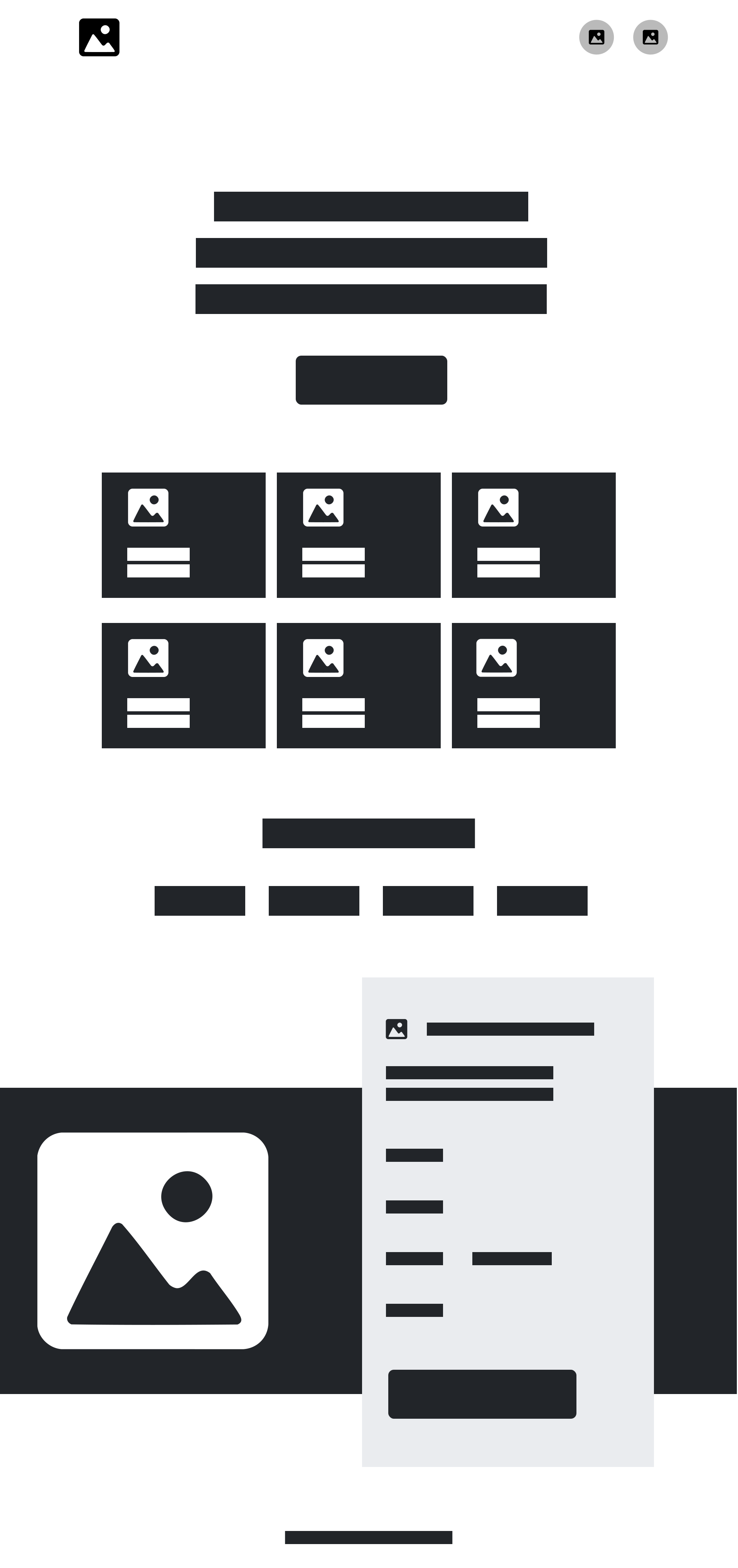
Low-fidelity wireframe showing basic layout, content structure, and initial UX flow before visual design
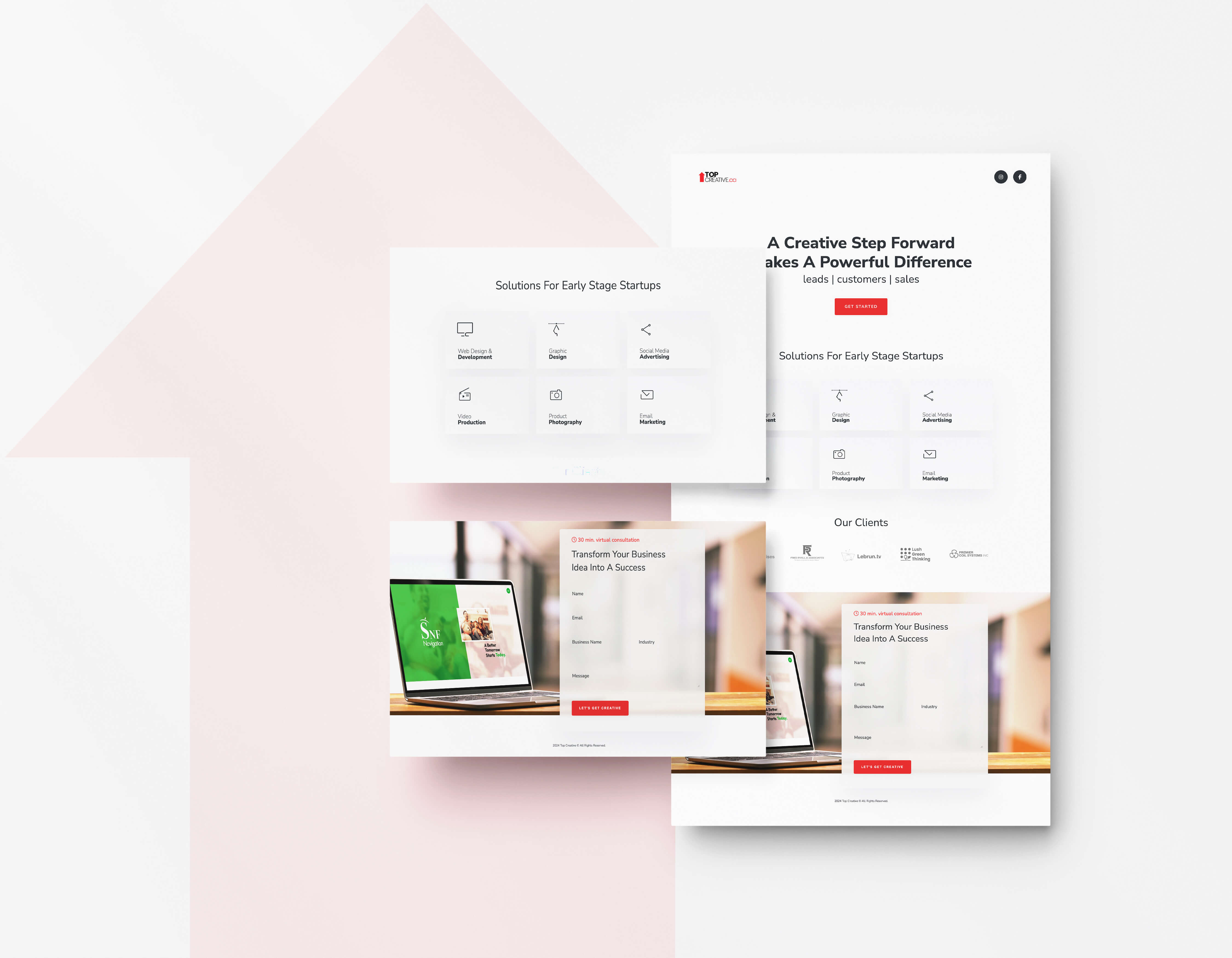
High-fidelity UI mockup displaying final polished design, brand styling, colors, and refined user experience

Prototype

Concept Realization

When

After wireframes

Process

Clickable prototypes built after high-fidelity wireframes

What

Figma

Tool

Used interactive links and transitions for core pages

Where

Homepage, services, about, contact

Coverage

Core screens simulated for realistic interactions

Why

Validate user flow

Purpose

Ensure clarity of interactions and visual hierarchy

How

Interactive testing

Method

Tested transitions and interaction flows for feedback

Who

Created by me

Owner

End-to-end prototype creation and testing